

Try Our Pay Per Head Demo
Join Now
Your Account Has Been Created
Master Agent ID:
user here
Master Agent Password:
access here
Please copy and store these credentials securely.
A Welcome Email with the same information will also be sent to your email address.
The PerHead.CR pay per head demo is live and ready to explore right now. No registration, no credit card, no obligations — just log in and see exactly what your players experience and what you control as an agent.
The pay per head demo gives you two sets of credentials — one for each side of the platform. Log in as a player to see the betting interface your clients will use every day. Log in as an agent to explore the management tools, reports, and controls that run your operation. Most bookies spend time in both views during the pay per head demo before they decide, and that is exactly the point.
Agent Platform Demo
Log in as an agent to explore the back-end tools you will use to run your book, player management, line controls, betting limits, settlement reports, and more.
Username: Agentdemo
Password: demo
The agent dashboard is where your entire operation lives. From here you can review active wagers in real time, set credit limits per player, configure which betting markets each account can access, and pull settlement reports on Monday or Tuesday — whichever closing day works best for your book. Agents who want to include Monday Night Football results before settling the week typically choose Tuesday. Both options are configurable directly from the dashboard.
Live Betting controls are integrated into the agent view as a standard feature. Because Live Betting is included in the $7 per active player per week base price — not a separate add-on — you will see those controls in the dashboard without any additional setup or cost.
Player Platform Demo
Log in as a player to experience the front-end betting interface your clients will use to place wagers.
Username: player
Password: demo
The player interface is fully mobile-optimized and covers sports betting, live in-play wagering, the Prop Builder, the racebook, and the online casino — all from one login.
Navigating it from a player’s perspective helps you understand what keeps bettors engaged and returning to your platform.
The interface works on smartphones, tablets, and desktop without any downloads or app installs required.
What to Look At While You Are Inside
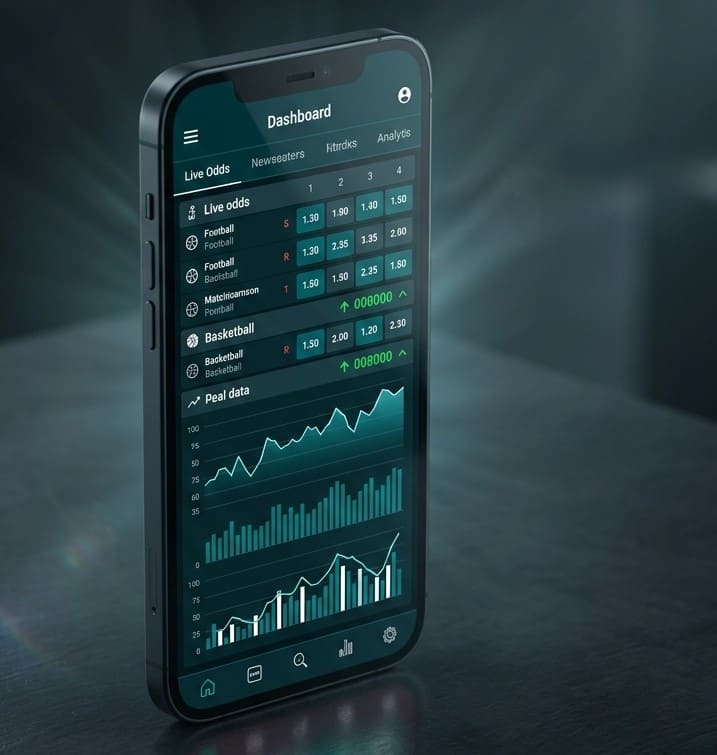
The PerHead.CR pay per head demo gives you access to the same platform a live agent runs.
On the agent side:
Start with the player management section. Add a test player, assign a credit limit, and toggle which betting products that account can access. Then pull up the reports section to see how settlement works and how your weekly position is calculated. Before you log out, spend time in the live betting controls — this is one of the most-used sections in daily operation and one that competing providers frequently charge extra for.
On the player side:
Run through a few bet types in the sportsbook to get a feel for the speed and layout. Then check the live betting section during any active game to see how in-play wagering works in real time. Browse the racebook to see the 285+ tracks available worldwide — if you have horse racing players in your book, the depth of coverage here matters. The online casino and Prop Builder are also accessible from the player login, giving you a complete picture of what your players can do from day one.
Switching From Another PPH Provider?
If you are currently running your book on a different platform, PerHead.CR handles the migration. The team assists with transferring player accounts, pending configurations, and personal settings so your operation does not miss a beat during the transition. Player data and business information are handled with full confidentiality throughout the process.
This is one of the most common reasons experienced agents request a guided tour rather than exploring the pay per head demo independently, to walk through exactly how migration works for their specific setup.
Want a Guided Tour Instead?
Prefer to have someone walk you through the platform live? Our team has over 20 years of experience in the pay per head industry and is available to guide you through every section — agent tools, player interface, reporting, and customization options. This is also the best way to discuss which of the two Live Betting interface options fits your players best, so your account is configured correctly from day one.
There is no sales pressure on these calls. If the platform is a good fit for your operation, you will know it by the end of the session.
Call us now: 1-888-221-8850
You can also reach us by live chat or email at [email protected], or visit our contact page to send us a message.
FAQ – PerHead.CR Pay Per Head Demo
Is the pay per head demo really free?
Yes. The PerHead.CR pay per head demo is completely free to access. There is no registration, no credit card, and no time limit. Use the credentials on this page to log in as an agent, as a player, or both, no contact with customer support required before you start.
Do I need to contact customer support to access the demo?
No. The demo is live right now at 888champs.com using the credentials listed above. If you would prefer a guided tour with a live representative, call us at 1-888-221-8850 and we will set that up at no cost.
What is the difference between the Agent demo and the Player demo?
The Agent demo gives you access to the back-end management platform such as player controls, betting limits, settlement reports, and line management tools. The Player demo shows the front-end interface your clients use to place wagers. Both run on the same platform; the login credentials determine which view you see.
Can PerHead.CR help me migrate from my current PPH provider?
Yes. If you’re currently running your book on another platform, the team can walk you through exactly how the switch works for your specific setup. This is one of the most common reasons experienced agents book a guided tour rather than exploring the demo on their own. Player data and business information are handled confidentially throughout, and the process is built so your operation does not miss a beat during the transition.
What happens after I finish exploring the demo?
When you are ready to move forward, fill out the signup form on the join now page. The team recommends connecting before or during setup to make sure your platform is configured correctly from day one, especially for Live Betting options and player migration.
Ready to Move Forward?
If the demo answers your questions, you can fill out the signup form to get your account started. The form is straightforward and takes just a few minutes to complete.
That said, connecting with the team before or after signing up is the fastest way to get your platform configured correctly, especially if you are moving players from another provider or want guidance on which Live Betting setup works best for your book.